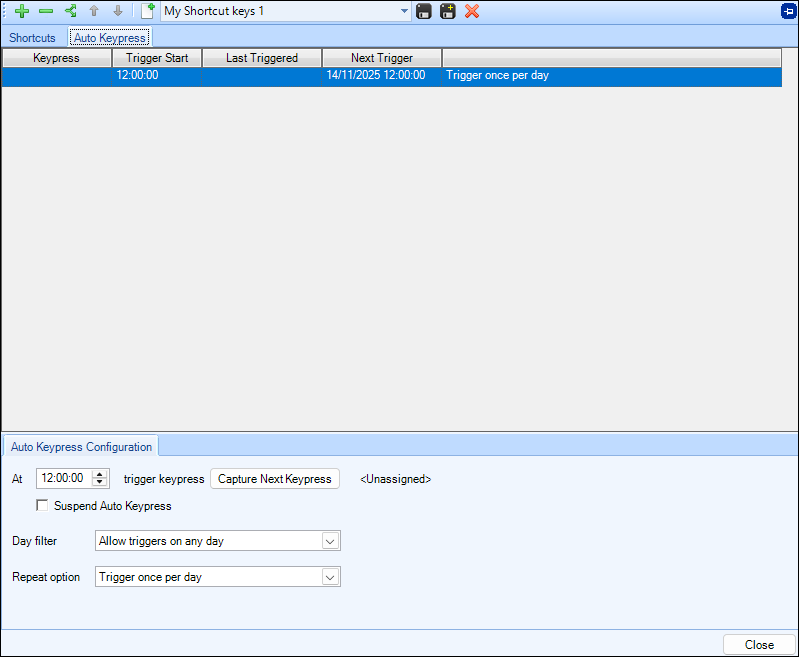
The Auto Keypress area enables you to automatically trigger a keypress at a defined time and frequency to activate your Keyboard Shortcuts. Multiple triggers can be defined per keyboard shortcuts profile.
They can trigger: just once, once per day, or at a defined frequency in a time range. They can also be limited to only run on specific days of the week if required.
Example
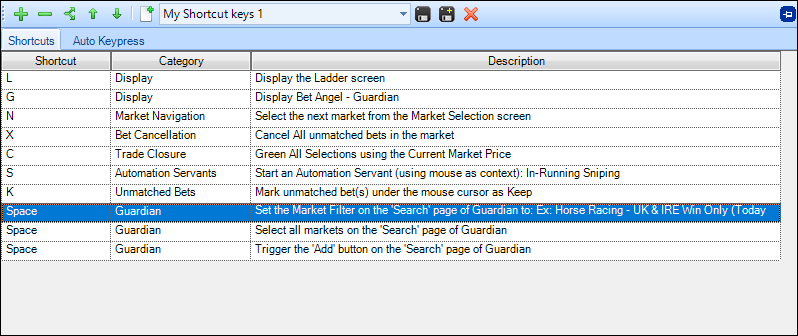
In the image below there have been several actions assigned to different shortcut keys, but the last three actions are all assigned to the 'Space' key and together are responsible for setting a filter, selecting the markets from it and finally adding them to Guardian
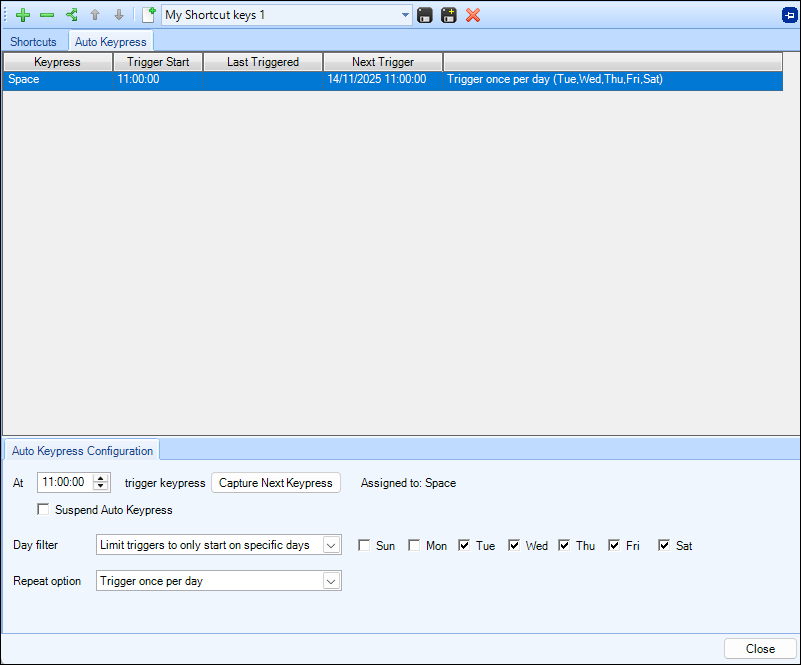
Rather than having to be at the PC to press the space you could schedule the auto pressing of the Key. In the image below an auto keypress of the 'space' key has been configured to trigger at 11am every day except Sunday and Monday.